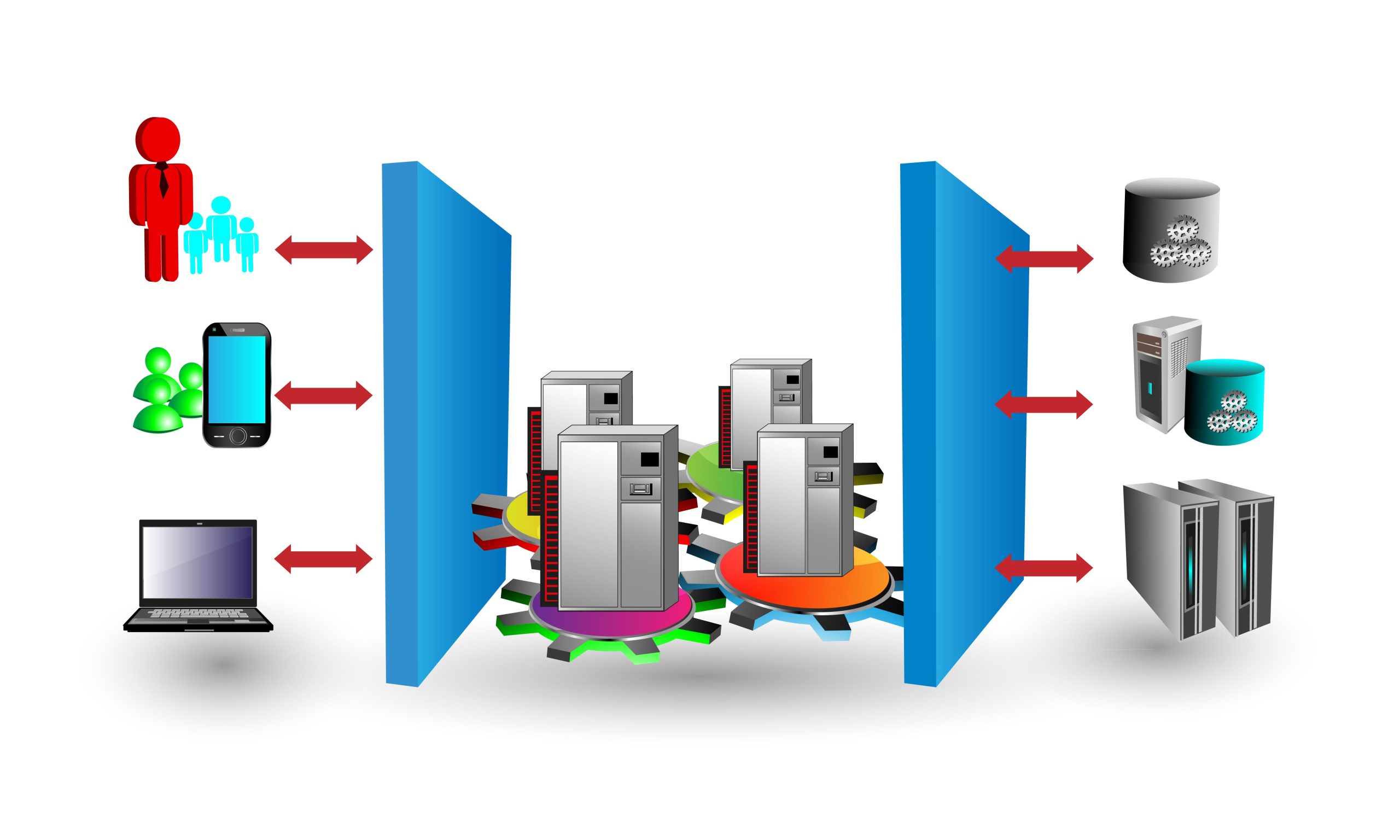
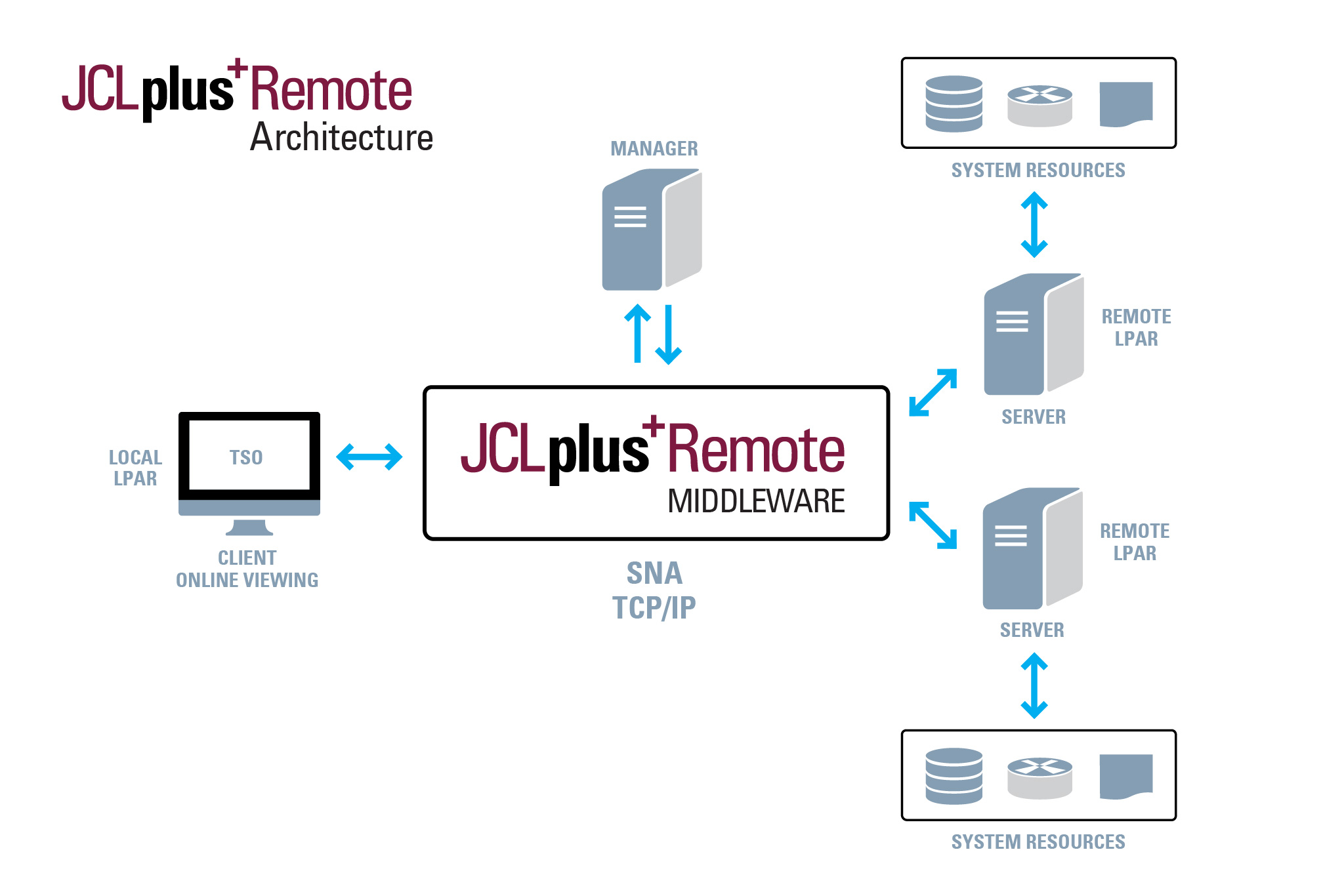
JCLplus+ Remote simplifies managing JCL in complex environments. It provides a robust and highly flexible proprietary middleware communication method that enables JCL testing across multiple z/OS images.
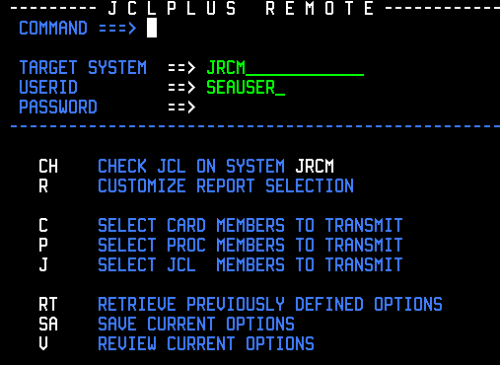
JCLplus+ Remote enables JCL to be sent from a source image to a target image for JCLplus+ validation there, and then have the results returned to the source image.
With JCLplus+ Remote you can, for example, easily validate the JOBs and PROCs in the production environment from the development environment.
Simplifies managing JCL in complex environments
Improves development productivity
Collects and stores JCLplus+ statistical records for usage & error analysis
Enables JCLplus+ processing within Integrated Development Environments (IDEs)
JCL-OUT report analysis for JCL library error analysis
JCLplus+ Remote simplifies managing JCL in complex environments. It allows cross-system JCL testing
Allows excellent flexibility in testing & validating batch jobs. Adaptable configuration can be deployed in many different scenarios, including Single and multiple JOBS/PROCS/Control-Cards and Alter PROC fetch for change management integration.
The JRemote Dashboard provides a graphical user interface to monitor, control, and configure JCLplus+ Remote features in real time.
JCLplus+ Remote (JRemote) plugins enable JCLplus+ validation, syntax checking and run-time simulation inside popular Integrated Development Environments (IDEs). The JRemote Eclipse plugin enables JCLplus+ functionality inside any Eclipse-based IDE, including BMC AMI DevX Workbench for Eclipse, IBM Developer for z/OS (IDz), and Eclipse IDE from the Eclipse Foundation. The JRemote Visual Studio Code (VSCode) plugin enables JCLplus+ processing from within a Microsoft Visual Studio Code environment.
Using JCLplus+ Remote’s brjobs and JRemote plugins, JCLOUT Explorer analyzes and displays indexed JCL-OUT reports, making it easy to identify and explore any errors in a JCL library. Job messages can be located, viewed, and analyzed in context within JCL-OUT reports. JCLOUT Explorer runs in all Eclipse and Microsoft VSCode environments.
We’re happy to answer any questions about our software and what we do.
CONTACT US NOW